
Distance Converter for Travel
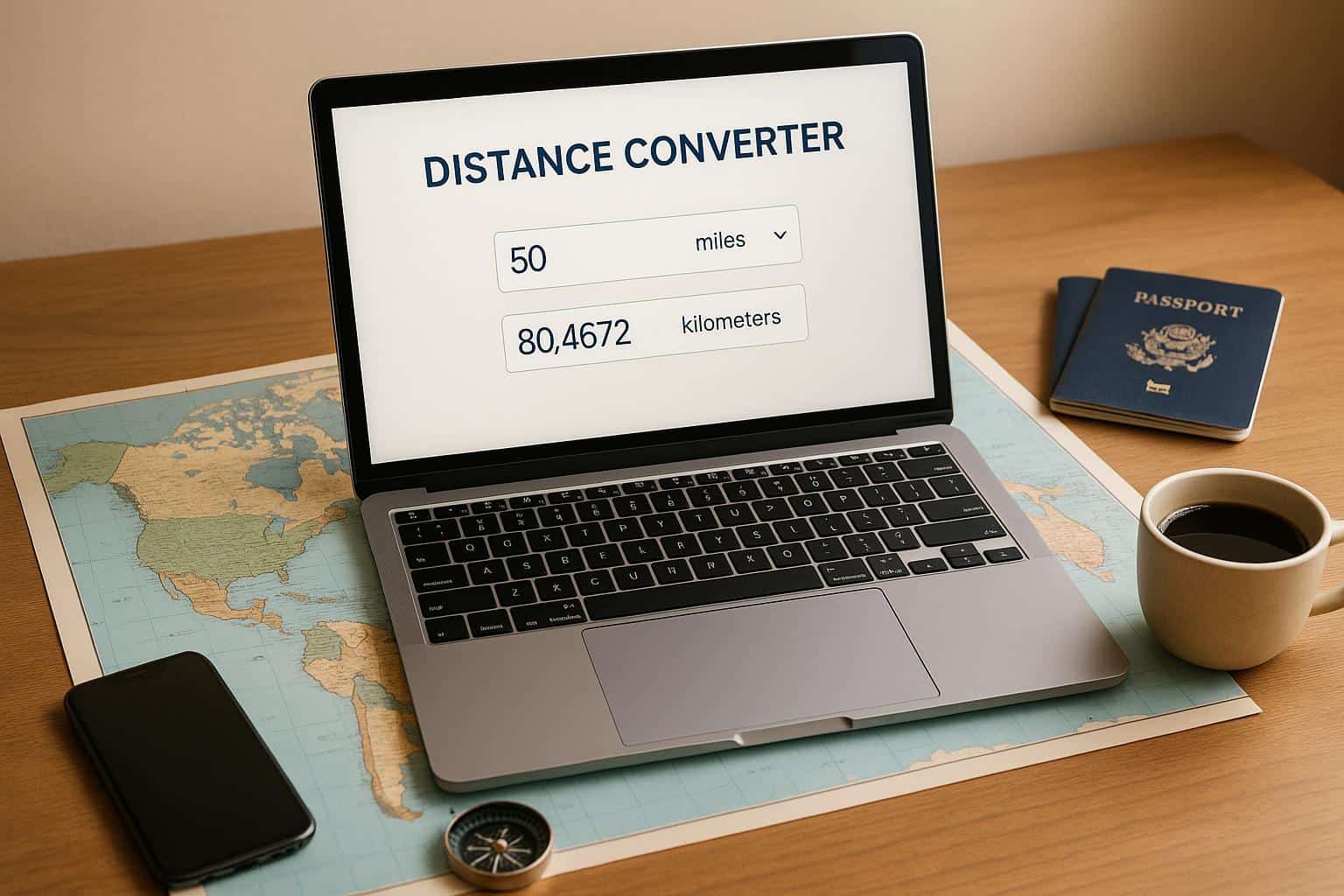
Distance Converter for Travel: Your Go-To Tool
When planning a journey, whether it’s a cross-country drive or an overseas adventure, understanding distances in different units can be a game-changer. That’s where a reliable travel distance tool comes in handy. Imagine you’re mapping a route, and the map lists everything in kilometers, but your car’s odometer reads miles. Instead of fumbling with manual calculations or searching for formulas, a quick conversion tool can bridge that gap in seconds.
Why Unit Conversion Matters for Travelers
Travel often involves juggling various measurement systems, especially if you’re hopping between countries or modes of transport. Pilots might deal with nautical miles, while road-trippers stick to miles or kilometers. Having a straightforward way to switch between these units isn’t just convenient—it can prevent costly mistakes, like underestimating fuel needs or travel time. Plus, it’s not just for professionals; casual explorers benefit too, ensuring they’re never lost in translation when distances are discussed.
Make Travel Planning Easier
Next time you’re sketching out an itinerary, keep a unit conversion resource nearby. It’s a small step that can save big headaches, letting you focus on the adventure ahead rather than the math behind it.
FAQs
What units can I convert with this distance tool?
You can switch between kilometers, miles, and nautical miles—basically the most common units for travel. Whether you’re driving across countries or sailing, we’ve got the units you’re likely to need. If there’s something missing, let us know, and we’ll consider adding it!
How accurate are the conversions in this tool?
We use standard conversion formulas, like 1 mile equals 1.60934 kilometers, to ensure precision. Results are rounded to two decimal places for clarity, so you’re getting reliable numbers for planning. It’s not rocket science, but it’s spot-on for travel needs.
What if I enter a negative number or weird input?
No stress! If you type in something funky like a negative number or letters, the tool will show a friendly message asking you to check your input. It’s designed to keep things smooth, so just fix the value, and you’ll see the result right away.